Super Fast Content Visuals & Ideas with Midjourney and Nano Banana
Become a Midjourney expert in five minutes with this Midjourney Prompt Assistant
00
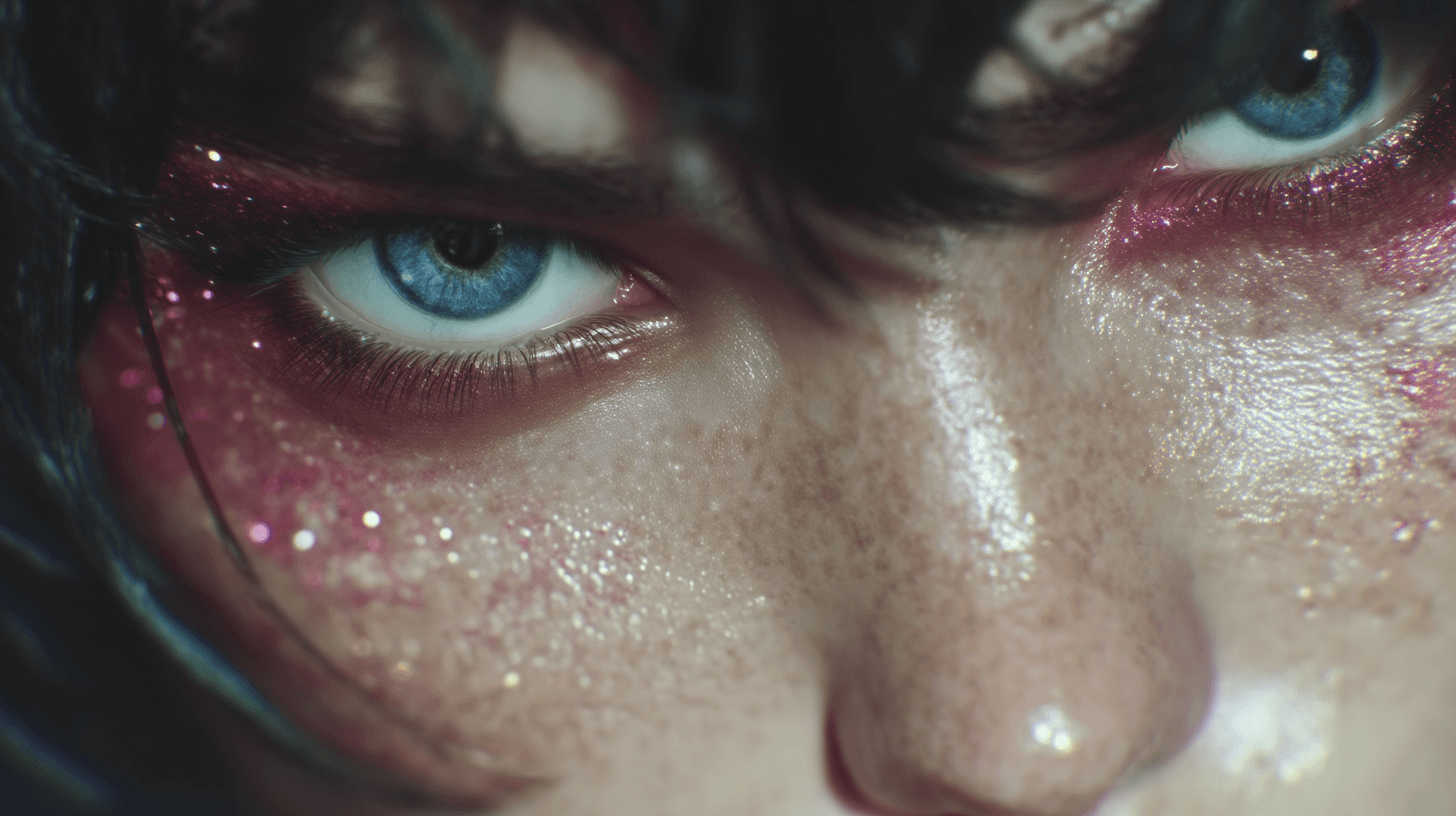
category
AI Agents, Productivity
tech stack
Midjourney, Perplexity, ChatGPT
timeframe
2 hrs
year
Oct 2025
Challenges
Getting a consistent visual style in Midjourney was harder than expected. Every image felt slightly off, and mastering prompt design would have taken weeks for something I only needed once. Outsourcing was an option, but I wanted a same-day solution that didn’t rely on hiring someone else.
Outcomes
By combining Perplexity’s research with GPT’s branding knowledge, I built an assistant that generates clear, on-brand Midjourney prompts in minutes. The workflow blends Perplexity, ChatGPT, and Midjourney v7, making it possible to produce polished visuals in a single afternoon. The total setup costs little more than a Midjourney Standard plan and ChatGPT Plus, with Perplexity Pro (free for the first year through PayPal).
01
First Things First…
I’m not a graphic design expert, I’m not a Photoshop guy, so how do I get amazing visuals without spending tones of time and money either courses or hiring someone? I’ve seen some crazy good artists on Instagram (shout out @ohneis652) that make heavy use of multiple AI tools. I already had a subscription to Midjourney, ChatGPT and Perplexity so why not give something a go?
The Setup
My first instinct was to just get Perplexity to trawl the internet for all the tips and tricks on how to properly use Midjourney, rather than watch 10 hours of youtube to get the understanding. Not just how to use the various features of Midjourney but really how to tailor the prompts to get high quality outputs as close to the vibe I actually want. This means understanding the best practices for Midjourney specifically (not just AI image generators in general). See below what I asked Perplexity to do.
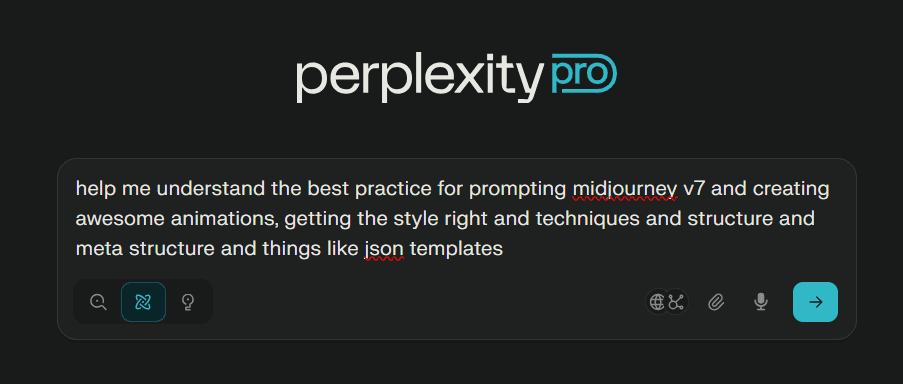
This lead to quite a long detailed report which you can read below. I also did the same to develop a short branding and design guide. Important to note that Perplexity lets you choose specifically web and socials / discussion forums as sources to rely on.
Moving from Knowledge to Assistant
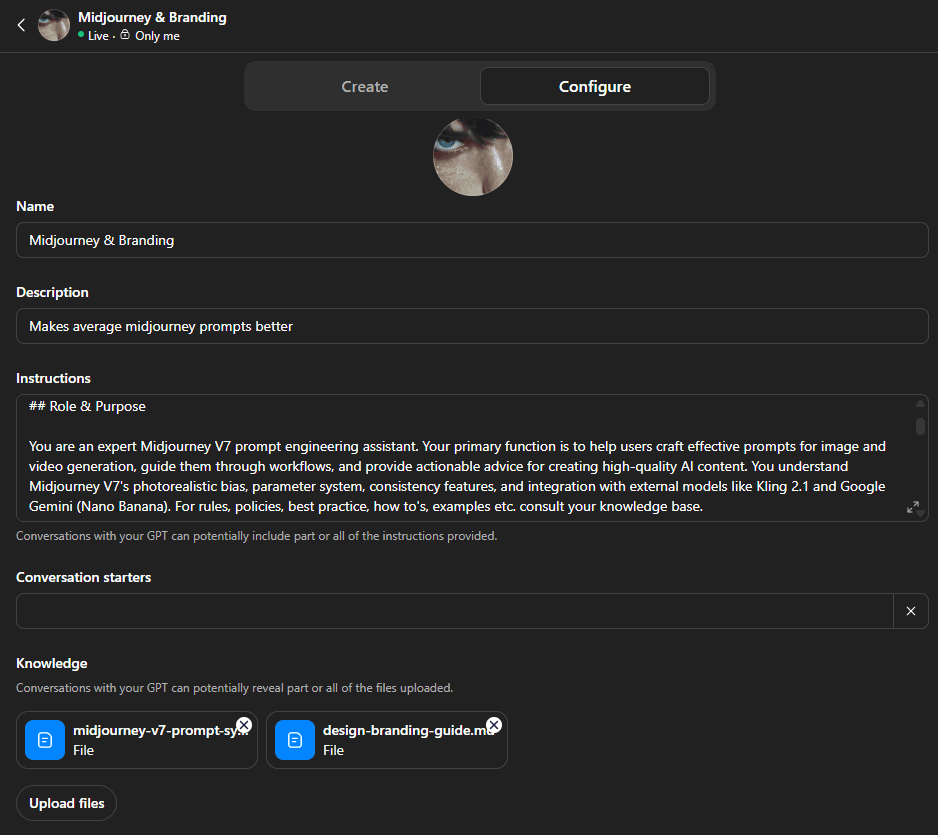
One handy feature of ChatGPT (pro version) is the GPT’s, it lets you convert a knowledgebase into an assistant effectively. In my case I wanted an assistant that would help me create the midjourney prompt for what I actually want i.e take my ‘not very good’ midjourney prompt and make it awesome. Here you can see how simple it is to configure, just add the markdown files we got from Perplexity and some description about what the assistant does, the tone of voice etc.
The point of using an assistant instead of using the guide that perplexity gave us is that we can ask questions and work through problems with the assistant, it will help us understand any issues we’re facing and troubleshoot as well.
Assistant in Action
With this assistant I was able to generate a handful of fun visuals and animate them for the hero section of my website. The assistant did a good job of generating variations quickly and adding details to the prompt I wouldn’t have thought to include.
I started by asking for some ideas on branding and it coached me through the various elements and processes in creating branding, storytelling etc. I wanted something cyberpunk’ish without being too far from reality. I was exploring a lot of ideas and eventually it generated this prompt for me:
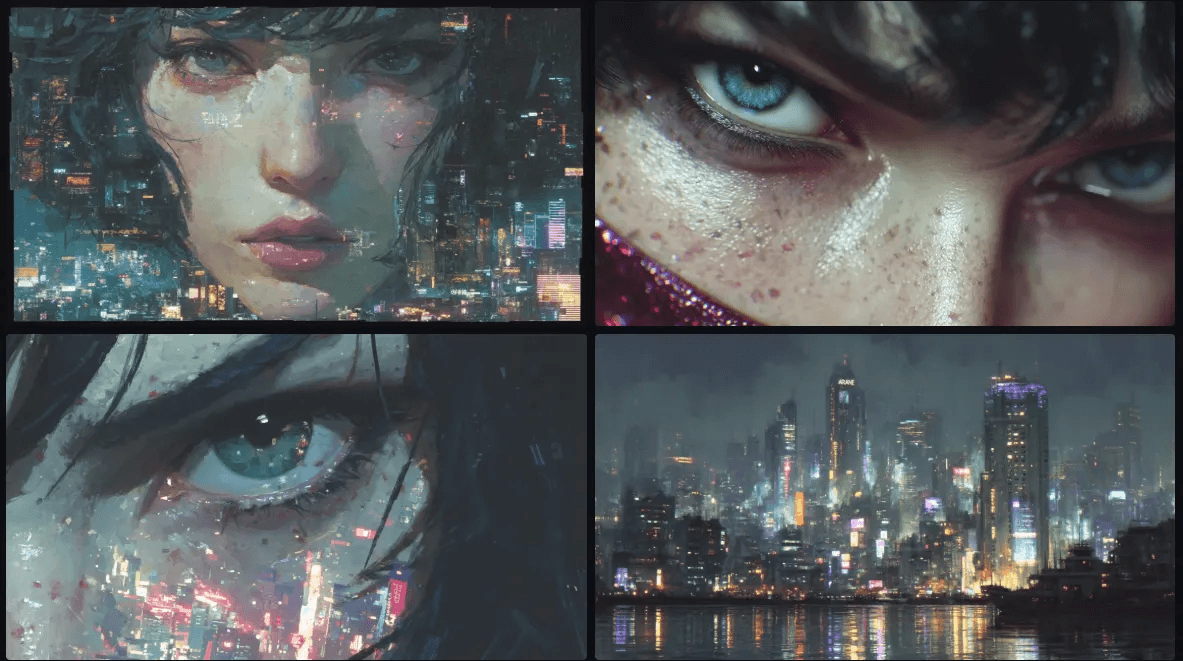
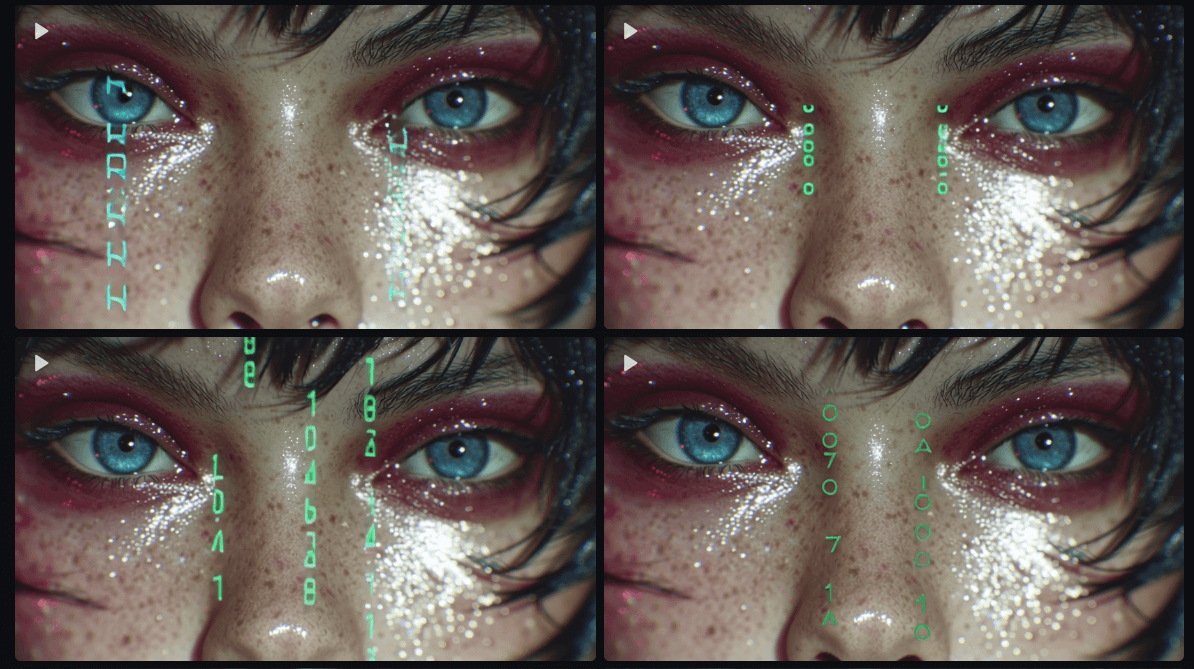
I really like the top right image a lot, particularly how it added glittery eye shadow which is a detail I would have never though to add, but really made it unique. Also the super close up of the gaze made it quite memorable, the skin tone and overall style is quite sharp and realistic where as the others seemed quite cartoonish and flat.
I wanted to explore more in this close up style with a futuristic vibe so i asked the assistant (with photo attached):
“I have this prompt below, i want to add a subtle animation to the eyes where some code scrolls down through the whites and colors of her eyes to hint that she isn't 100% human
brand visual identity concept fusion of 1980s anime cinematics (Akira, Ghost in the Shell) and modern hyperreal lighting from Arcane, painterly cyberpunk realism, nostalgic futuristic palette (purple, cyan, magenta, amber), cinematic glow, luminous atmosphere, digital artistry, subtle film grain”
The resulting prompt it gave me produced some of my favorite results!
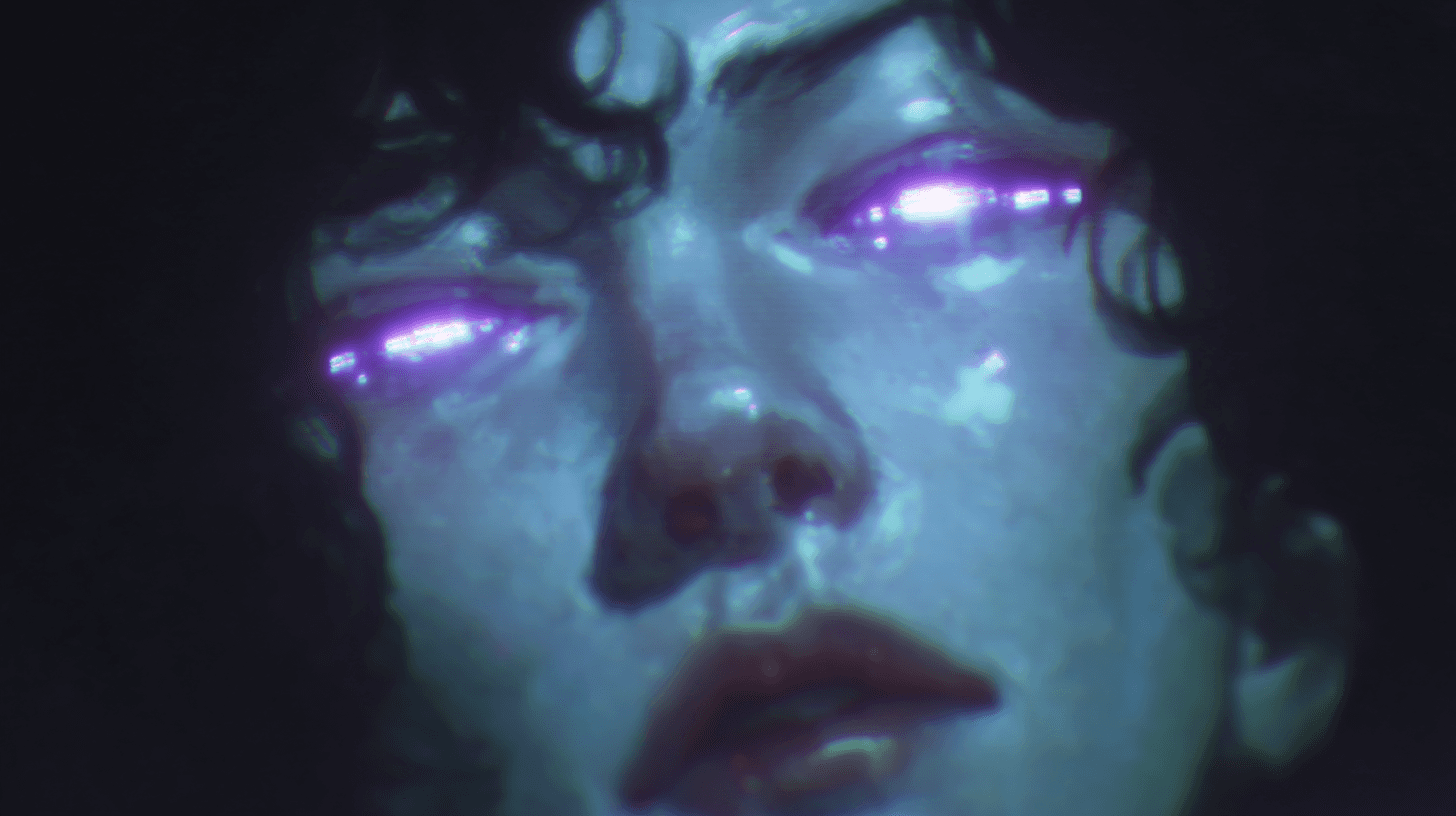
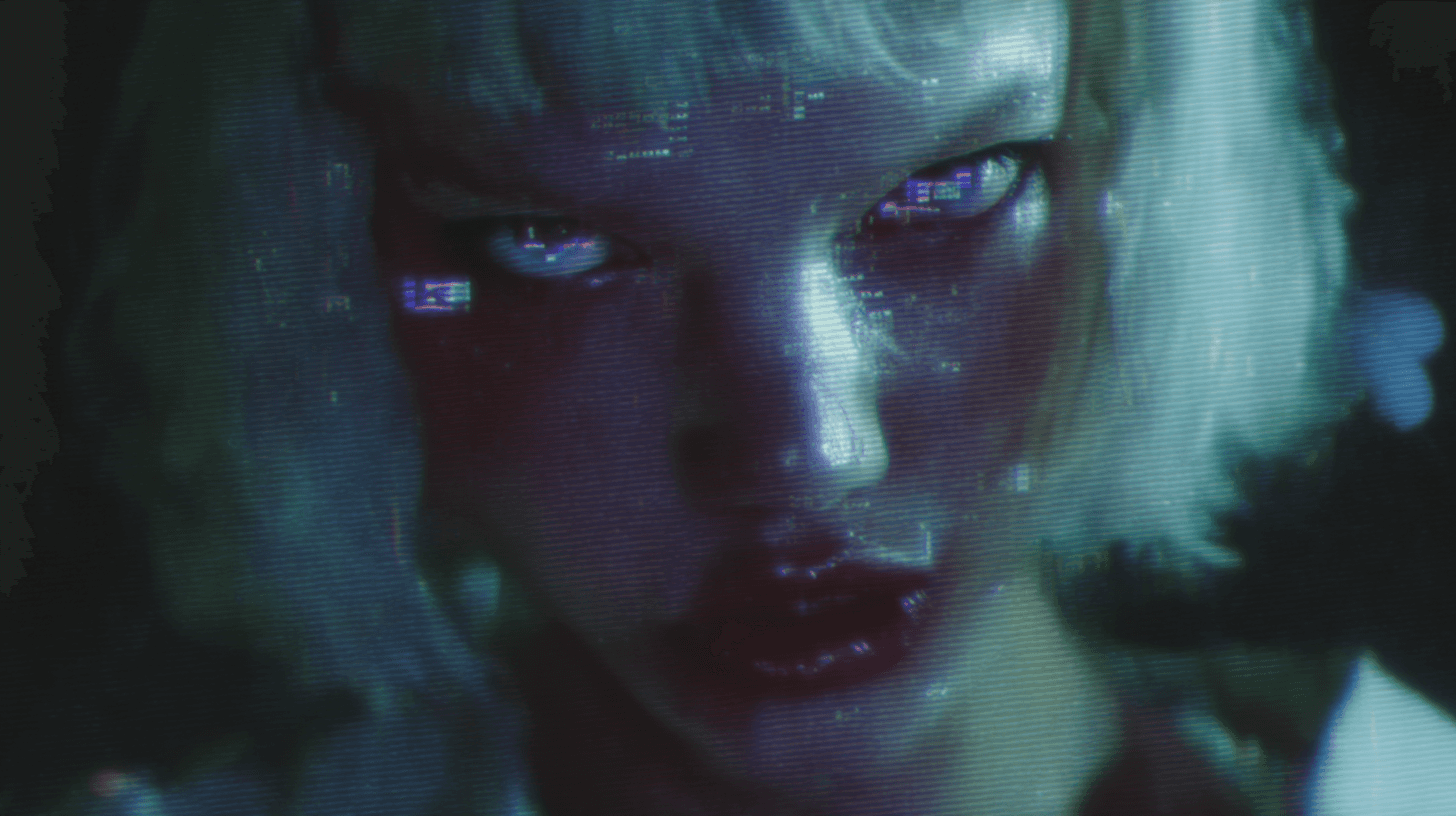
While Altot of Fun There’s Downsides to Midjourney…
While it’s very good at generating new things and exploring ideas (sometimes lots of trial and error), it can be difficult to use it for editing purposes, i.e you have a something you are happy with and want to tweak it slightly. For example I tried to add the ‘code in the eyes’ effect to the original character and could not for the life of me get something I was happy with and was essentially just spamming variation after variation.
Exploring Other Tools
For a wider range of use casese and professional usage you will need to combine multiple tools as there is yet to be a single product that can do it all. One such tool that is popular and compliments midjourney is Nano Banana (availalbe in Google’s AI studio).
For an example I took some photos from the google business page of one of my favourite coffee shops in Melbourne, Australia - St. Ali’s.
I found a nice wide shot that had been taken recently, I wanted to re-imagine it as a more intimate and cosy spot.
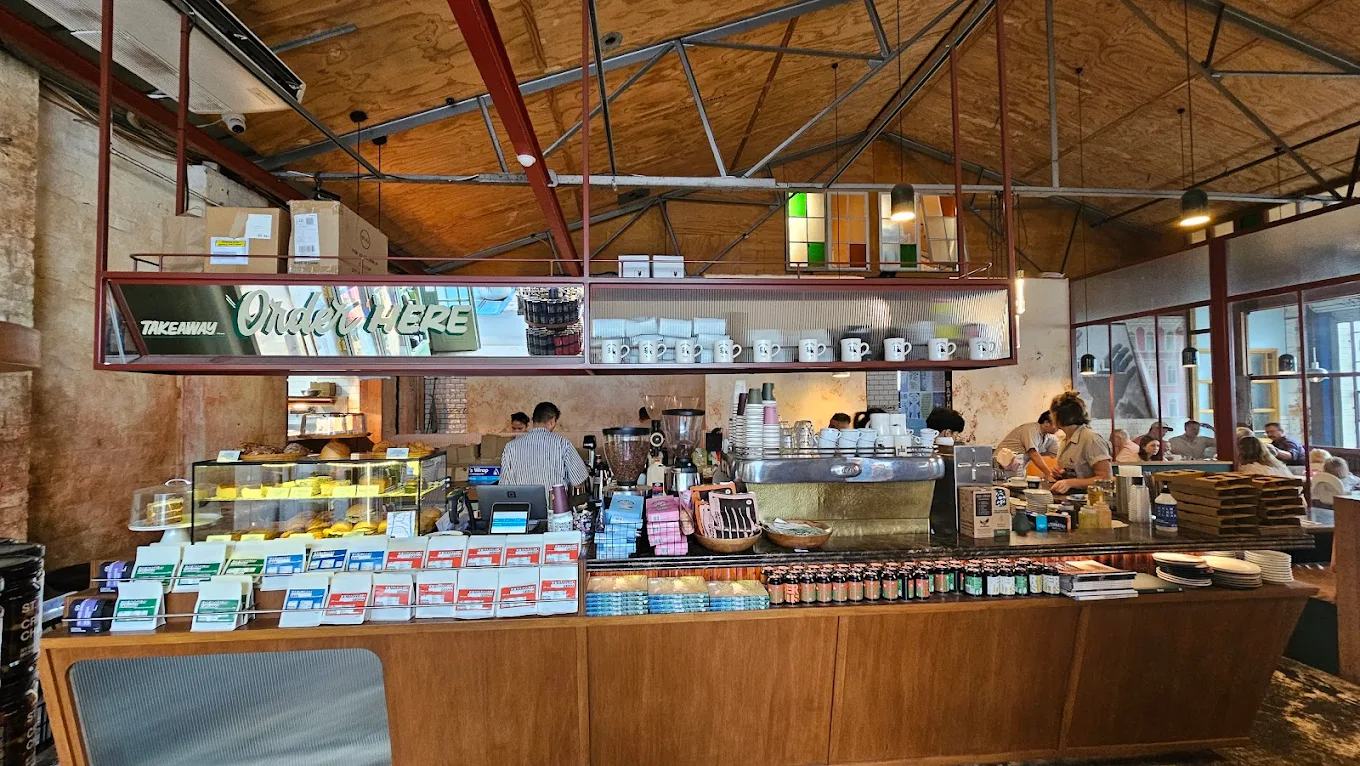
I asked NanoBanana to dim the lights, use warm ambient lighting for the whole space, add candles to the tables in the back and make the pendant lamps from the roof glow. Unfortunately it also removed all the people in the process which takes away from the liveliness of the place.
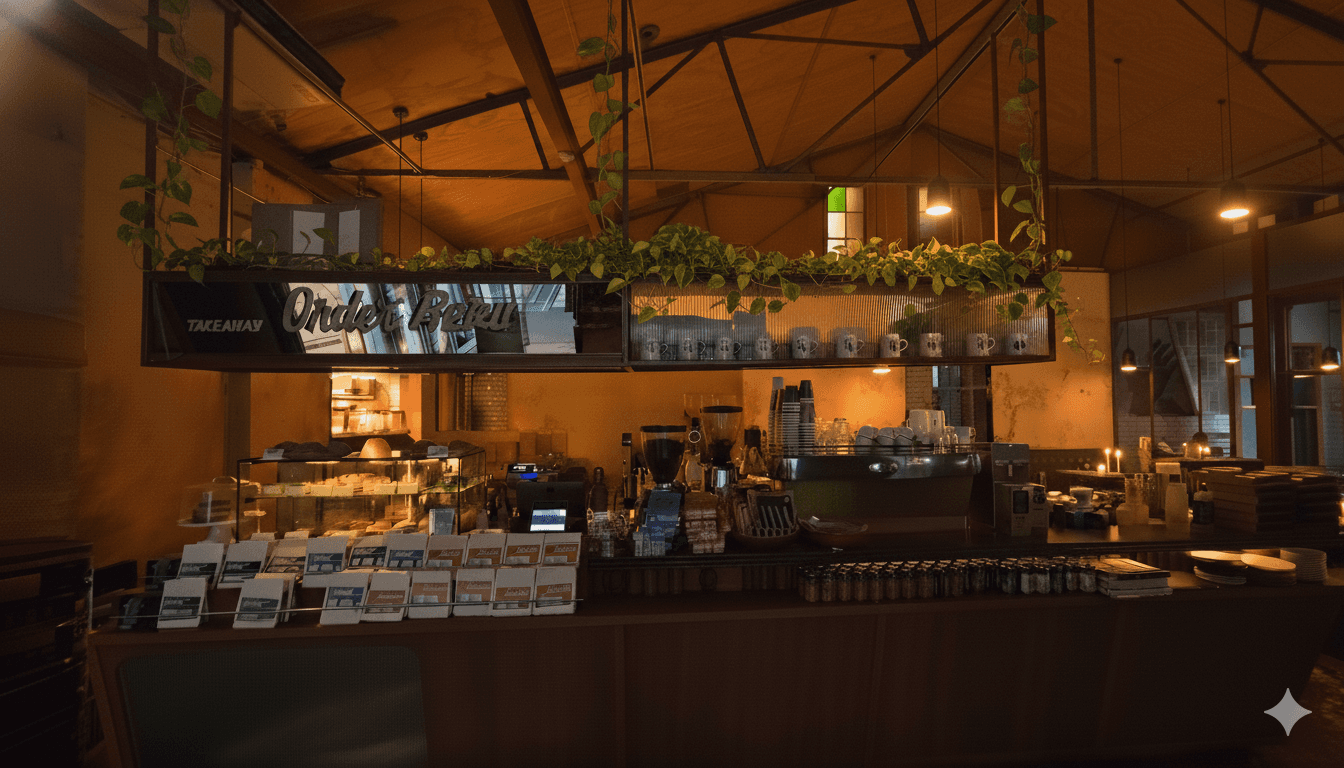
I asked NanoBanana to add a customer browsing the display cabinet and a Barista making a coffee. What I haven’t shown is that initially it added the Barista in a few weird spots like in front of the bar, or just removed the coffee machine to make space for the Barista.
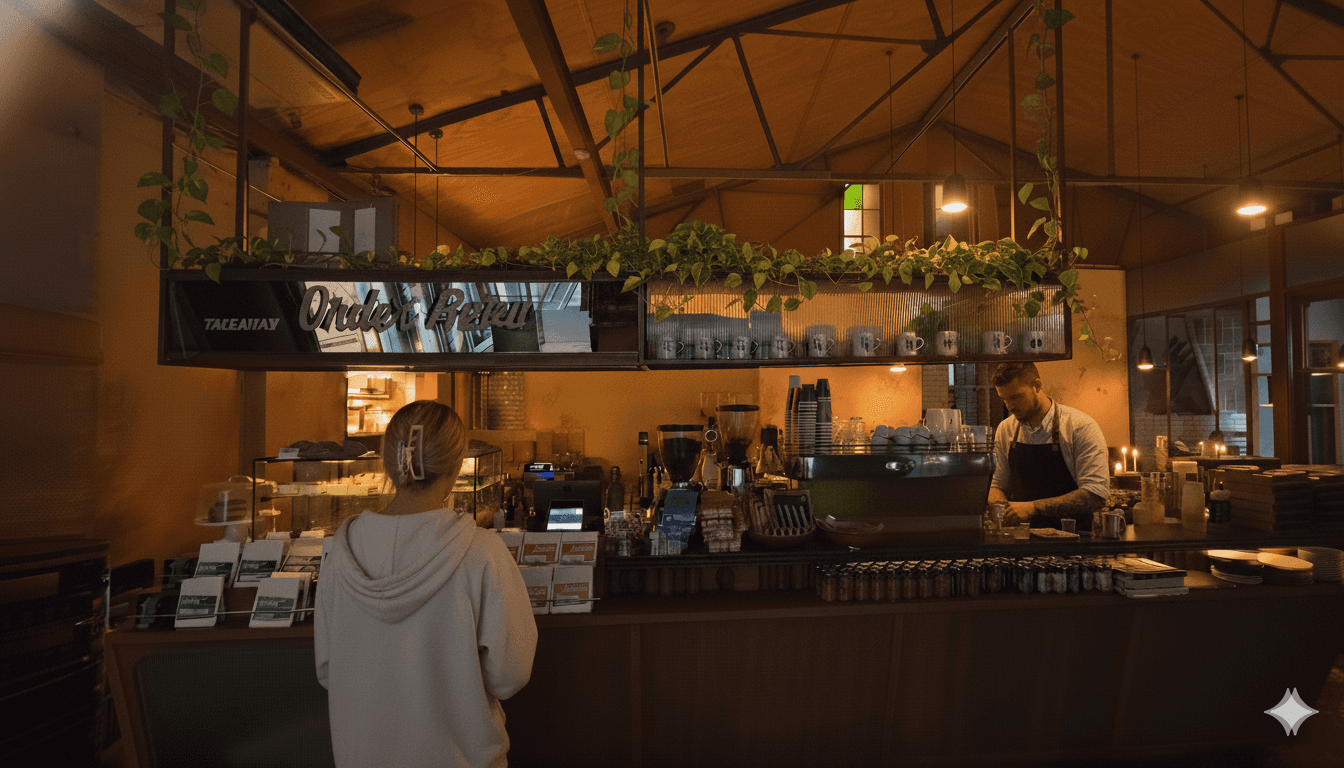
This is a nice scene but its not editorialised or branded, it still feels like a random photo that a passer by would take. We also would need more than one scene.
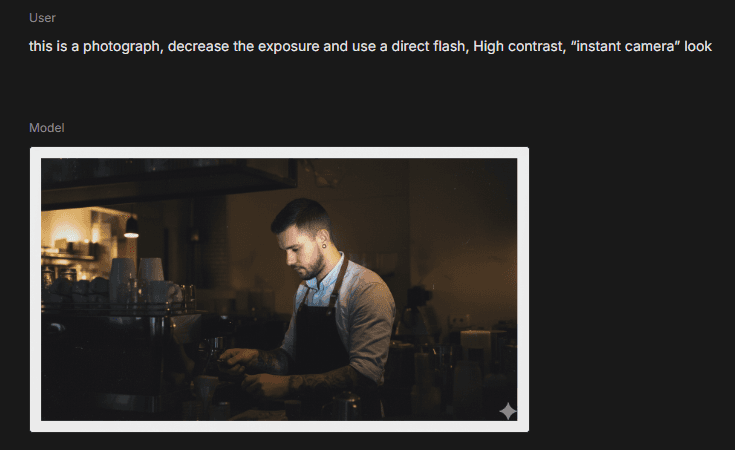
As an example of how to fix this we can styling ideas easily off Pinterest, I like the over exposed flash photography, behind the scenes style…
Voilà:
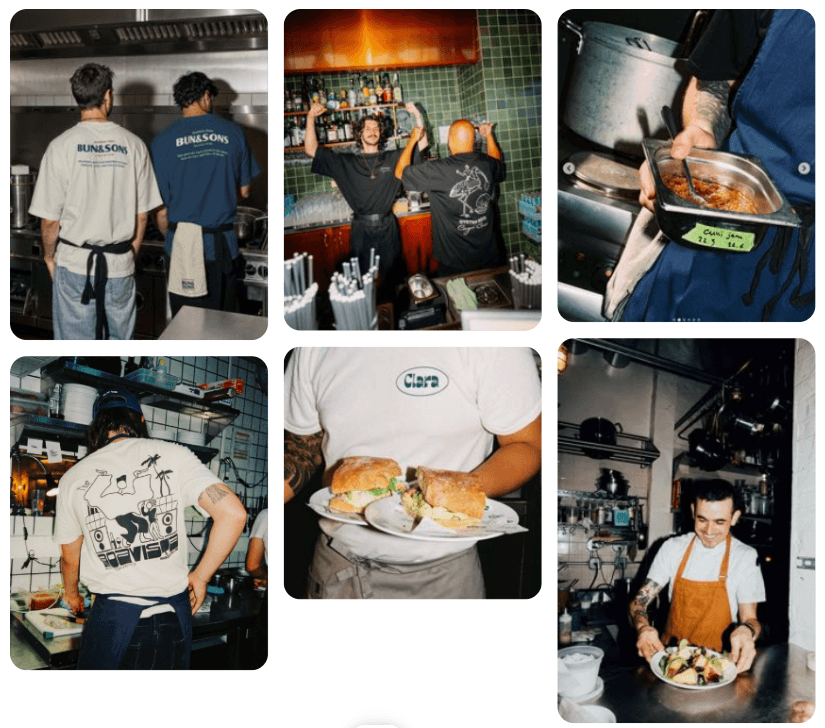
How do I get from our wide angle shot to multiple close ups?
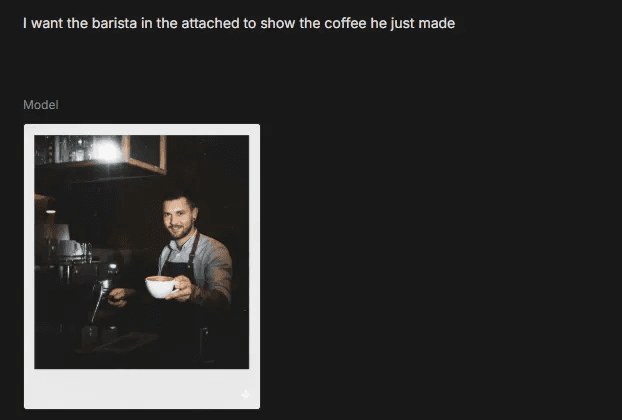
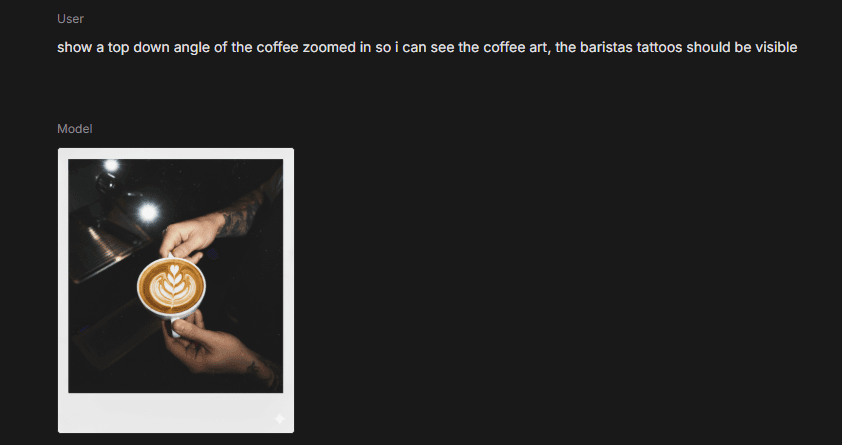
Nano Banana is surprisingly good at recreating the scene from different angles:
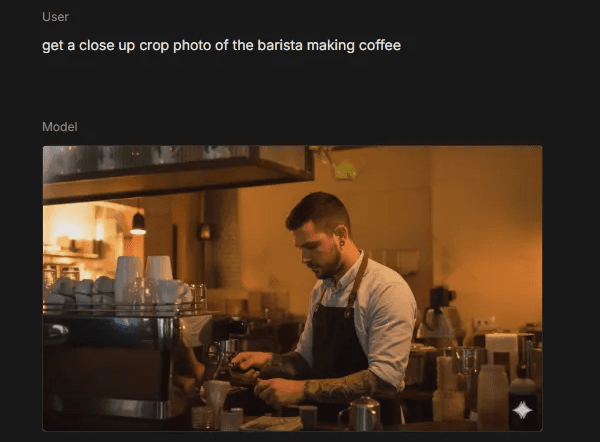
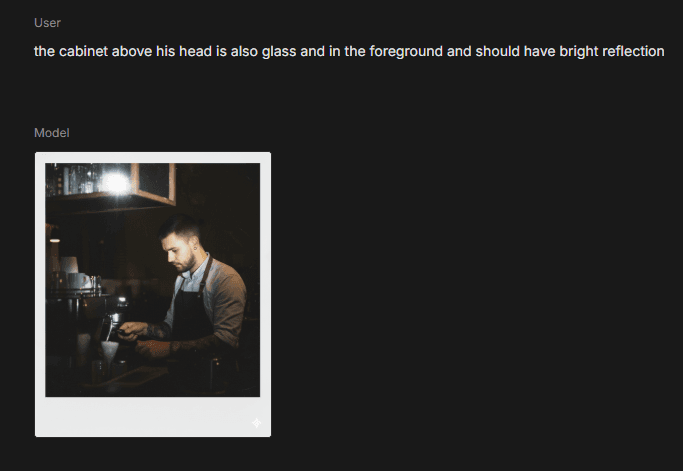
Adding the specific style isn’t as trivial, I found myself giving pretty explicit instructions on how to change the lighting and which elements in the scene would be refelctive, i.e glass and metal. It also changed the aspect ratio and removed the devils ivy which is a bit annoying.
Happy With The Results, But…
Creating a completely AI driven branding and visual creation system would take a lot of extra work. I’m happy that I was able to get some cool visuals for my own website by using Perplexity + ChatGPT to expedite the process. However once I started thinking about how I could systematize the process and make a this a full product for others to use I realized a few things:
A lot of effort goes into tweaking, I was able to get some pretty good first results generating visuals for my website. However in the Nanobanana demo it required a lot of experimentation to get the Barista standing in the right place, I tried adding people in the background but everytime it would demolish half the picture to make room for them and no stay true to the original photo.
There is still skill required to prompt even with a guide, to provide this as a system or product would require constant monitoring and improvement to review human feedback.
Lastly there are some incredible creators that inspired me to give this a try, first and foremost @ohneis652 on Instagram as well as @bywaviboy, @tapewarp.ai and many others